Free AI image quality enhancer
Photo Quality Enhancer
Turn blurry, low-resolution or compressed photos into sharp HD and 4K images in seconds. Works online in your browser, with nothing to install.
- 5 free credits + 2 every day
- No watermark on results
- Failed runs are refunded automatically

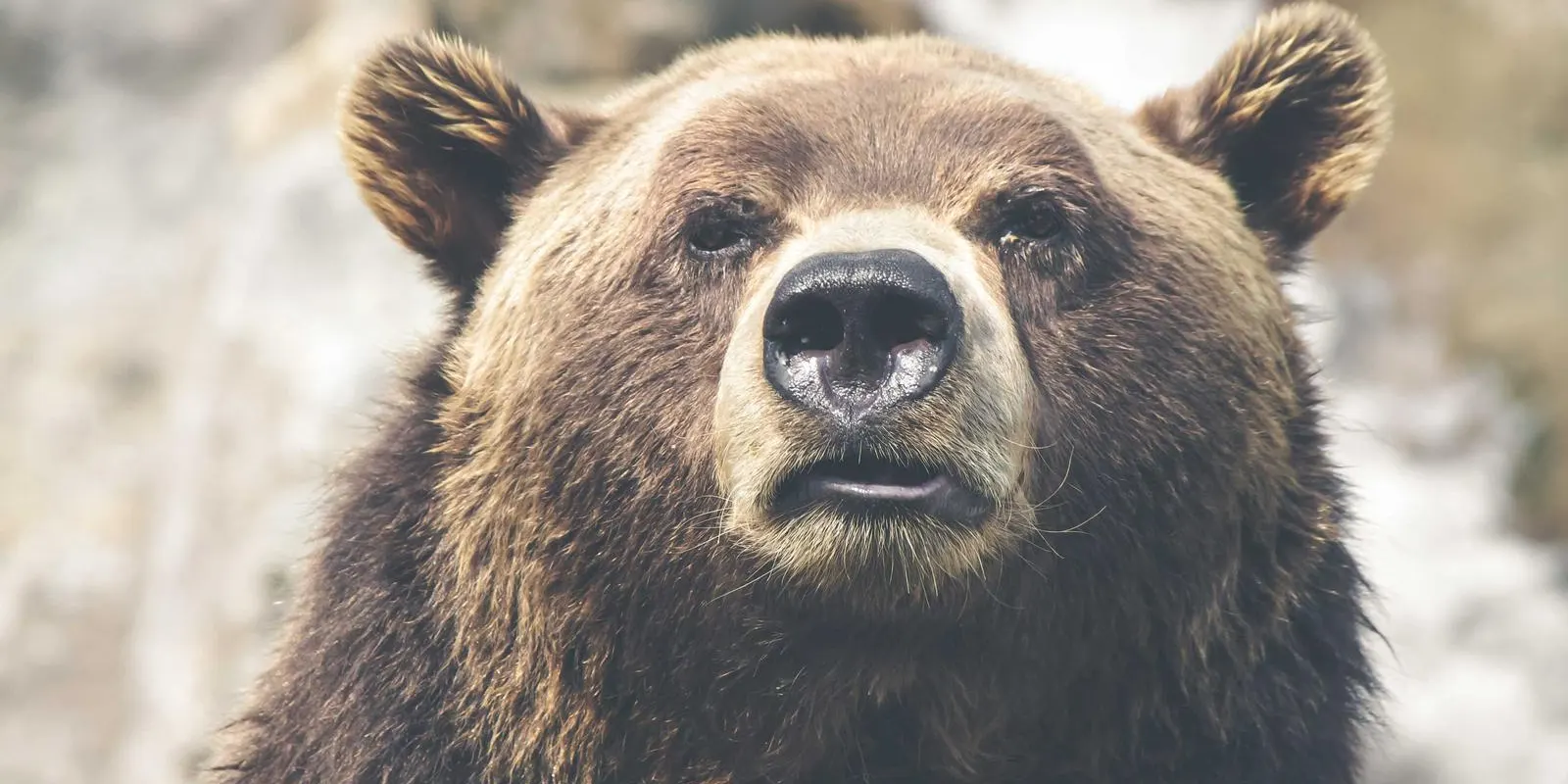
Watch the detail come back
Fur, skin, fabric and fine text are exactly what a regular resize smears. The enhancer rebuilds that texture instead of stretching pixels.
How to enhance photo quality in 3 steps
No editing skills needed. The AI does the work.
- 1
Upload your photo
Drop in a JPG, PNG or WebP image: a blurry snapshot, a compressed screenshot or a scanned old photo.
- 2
Let the AI enhance it
The AI quality enhancer sharpens detail, removes noise and compression artifacts, and upscales the resolution.
- 3
Compare and download
Check the before/after result side by side, then download your enhanced image in HD or 4K.
What this AI photo enhancer fixes
Most low-quality photos suffer from the same four problems. The enhancer handles all of them in one pass.
Remove blur, noise and JPEG artifacts
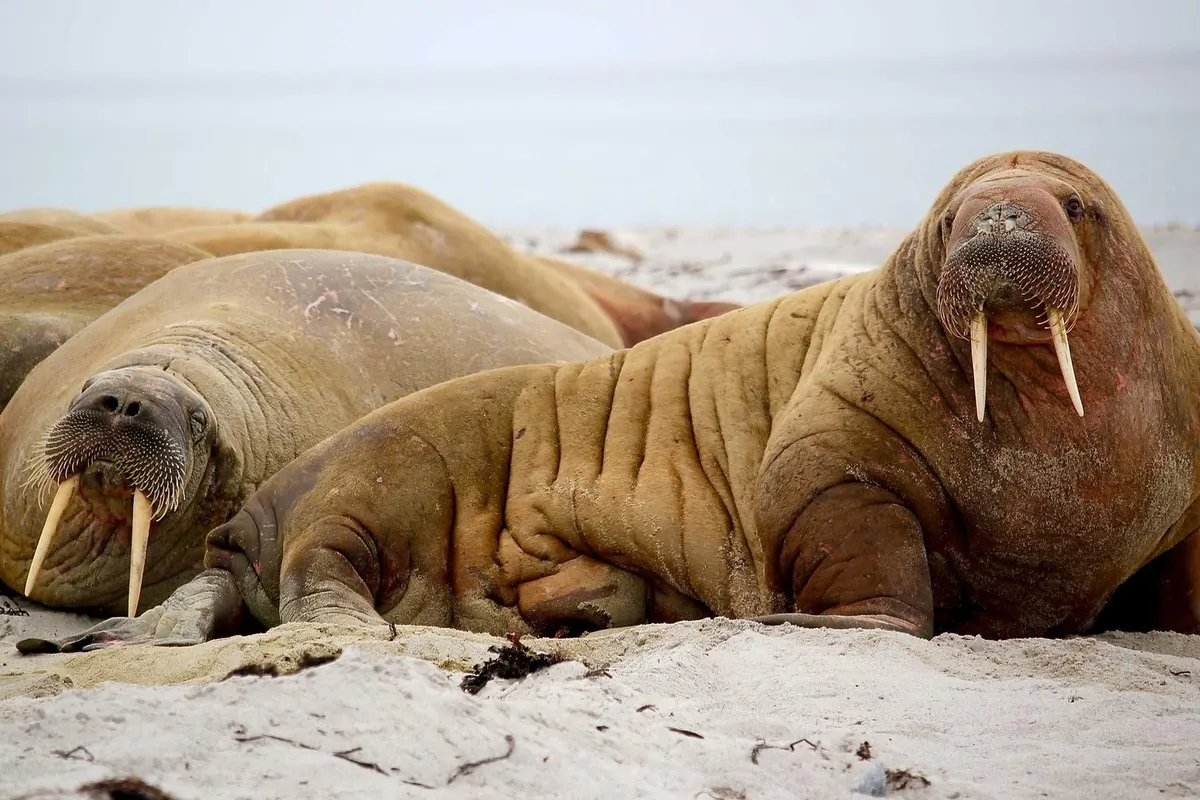
The model rebuilds fine detail lost to slight motion blur, low-light noise and heavy compression, the kind you see in photos saved from chats and social media.
Upscale photos to HD and 4K
Choose 2x or 4x. A 1024 px phone screenshot becomes a 4096 px image with clean edges and readable text, instead of the soft, blocky result you get from stretching it in an editor.
Restore faces in old and small photos
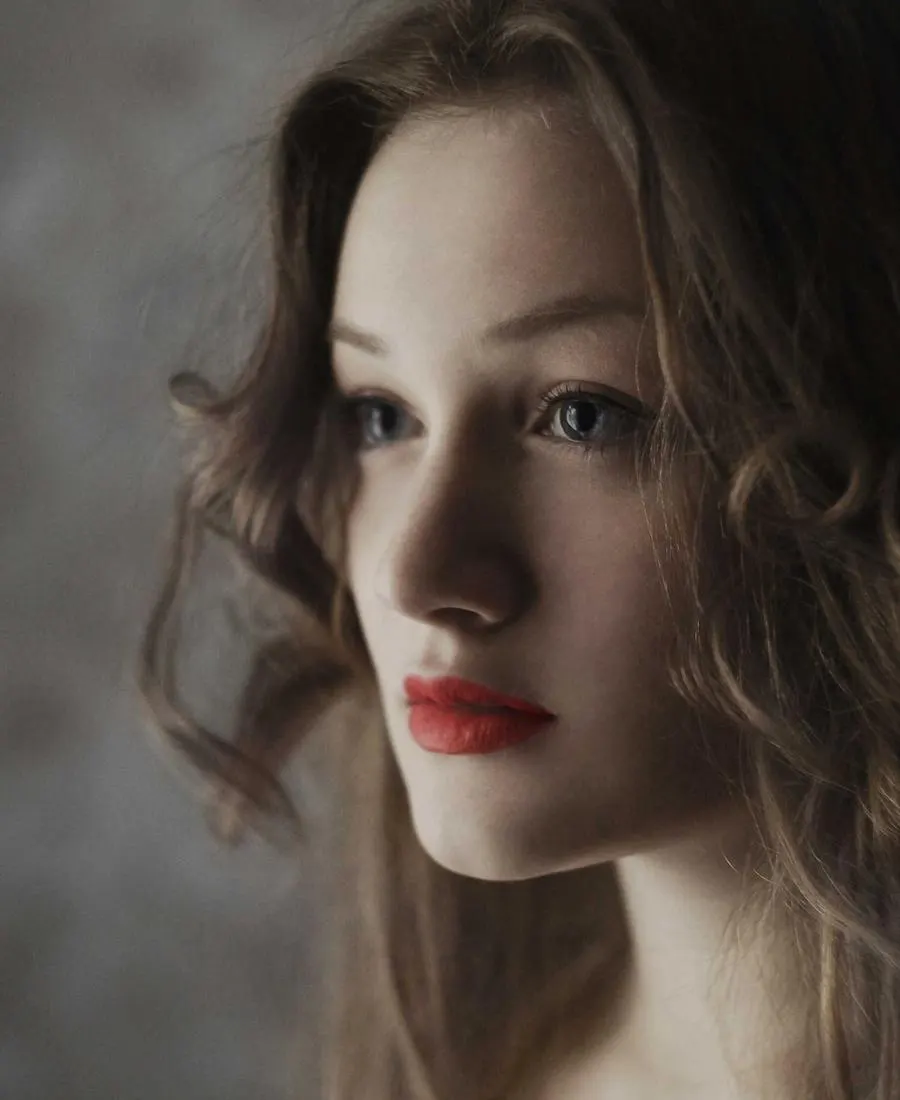
Turn on Enhance faces to recover eyes, skin and hair in group shots, scanned prints and old family photos where faces are only a few pixels wide.
Try it before you pay
Every new account gets free credits, plus a few more every day, with no credit card needed. Buy a pack only when you need more.
Works in your browser
Nothing to install and no plugins. Upload from a laptop or phone, wait 10 to 60 seconds, and download a PNG.
Your photos stay yours
Photos are used only to produce your result. They are not shared, not shown publicly and not used to train AI models.
Who uses an online image quality enhancer
Anyone with a photo that matters but doesn't look good enough yet.
Online sellers
Sharpen supplier and phone photos so product details read clearly on Amazon, Etsy, eBay and Shopify listings.
Social media creators
Rescue screenshots, reposts and old clips that look soft after platform compression, and post them crisp again.
Family photo archives
Bring scanned prints, wedding photos and childhood pictures back to life before you reprint or share them.
Printing and posters
Upscale a small image to the resolution a print shop needs, so posters and canvases don't come out pixelated.
Real estate and rentals
Clean up dark, noisy interior shots taken on a phone so listings look professional.
Designers and marketers
Upscale logos, client assets and stock images that arrived too small for the layout.
AI enhancement vs. resizing in a photo editor
Stretching an image in a regular editor only makes the pixels bigger. AI enhancement predicts the detail that should be there.
QualityEnhancer (AI)
Predicts the detail that should be there.
- Recovers lost detail
- Removes noise and JPEG artifacts
- Restores small faces
- Sharp edges and text at 4x
- No editing skills needed
Regular resize
Makes the same pixels bigger.
- Recovers lost detail
- Removes noise and JPEG artifacts
- Restores small faces
- Sharp edges and text at 4x
- No editing skills needed
2x or 4x: which upscale should you choose?
Both cost 1 credit. Pick the one that fits where the photo is going.
Choose 2x
For photos that are already a decent size but look soft or noisy: phone photos, social posts, product shots for a web shop. You get a cleaner image at a size that's easy to share.
1200 × 900 photo → 2400 × 1800
Choose 4x
For small images that need to get much bigger: thumbnails, screenshots, old scans, or anything you want to print or use as a 4K wallpaper.
800 × 600 thumbnail → 3200 × 2400
Turn on Enhance faces whenever people are in the photo, especially in group shots and old prints where each face is small.
Tips for the best result
A few minutes of preparation makes the AI's job easier.
- 1
Start from the original file
Use the photo straight from your camera or phone, not a copy saved from WhatsApp, Instagram or a screenshot. Every re-save throws away detail the AI could have used.
- 2
Crop to what matters
Large photos are scaled down to fit the AI model. Cropping first keeps more pixels on your subject, so faces and text come out sharper.
- 3
Use Enhance faces for people
Face restoration rebuilds eyes, skin and hair that the general model alone would leave soft. Leave it off for landscapes and products.
- 4
Check text, logos and faces
Use the before/after slider to zoom in on fine details before you print or publish. The AI predicts detail, so small text can occasionally come out different from the original.
Pay with confidence
Simple, fair rules for every credit you buy.
You never pay for a failed run
If an enhancement fails for any reason, the credit goes straight back to your balance. No support ticket needed.
Credits never expire
No subscription and no monthly reset. Buy a pack once and use it this week or next year.
Secure payment by Stripe
Card details go straight to Stripe and never touch our servers. You pay once per pack, with no recurring charge.
Proven AI model
Built on Real-ESRGAN with GFPGAN face restoration, widely used open research models for image super-resolution.
Pricing
Simple credit packs
Pay once and use your credits whenever you like. 1 credit = 1 photo, at 2x or 4x.
Every account gets 5 free credits at signup, plus 2 more every day. No credit card needed.
Starter
For regular photo touch-ups
- Enhance 200 photos at 2x or 4x
- $0.065 per photo
- Batch upload: 50 photos per batch, no daily limit
- Face enhancement included
- Credits never expire
Pro
For big batches and photo restoration
- Enhance 600 photos at 2x or 4x
- $0.05 per photo
- Batch upload: 50 photos per batch, no daily limit
- Face enhancement included
- Credits never expire
Frequently asked questions
Everything you need to know about enhancing photo quality online.
Still have a question?
Email supportFrom the blog
Guides and tips for enhancing, upscaling and restoring your photos.
Upscale vs. Sharpen vs. Restore: Which Fix Does Your Photo Need?
Blurry, small and damaged photos need different fixes. Learn how to tell which problem you have and how to fix each one with an AI photo enhancer.
 QualityEnhancer
How to Upscale a Photo for Printing Without Losing Quality
Find out how many pixels a print really needs, why changing DPI does not help, and how to upscale a small photo so it prints sharp.
QualityEnhancerWhy Photos Look Worse After WhatsApp or Instagram (and How to Fix Them)
Messaging apps and social networks shrink and recompress your photos. Learn why it happens, how to avoid it, and how to restore quality to photos that are already compressed.
QualityEnhancer
Make every photo look sharp
Upload a blurry or low-resolution photo and see the difference in seconds.